Our features supports a clear and efficient learning flow through a step-by-step progress bar, toggleable light and dark modes, editable learner profiles, template-based prompts that scaffold thinking, and a compact tool bar for quick access to core actions.
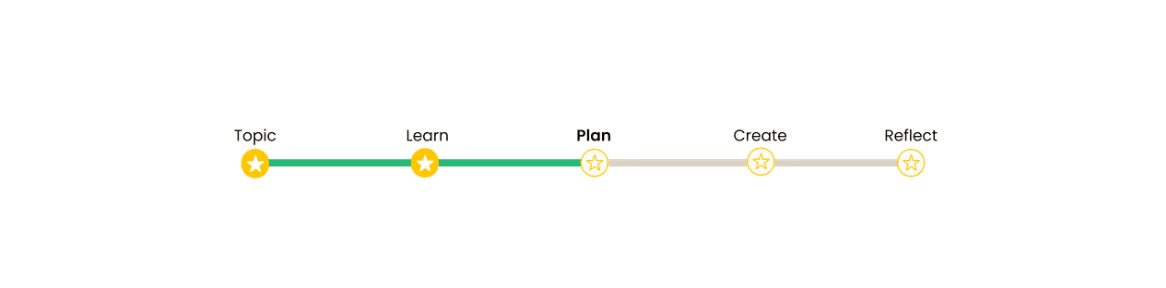
Progress Bar
A persistent progress indicator shows where learners are in the full cycle.
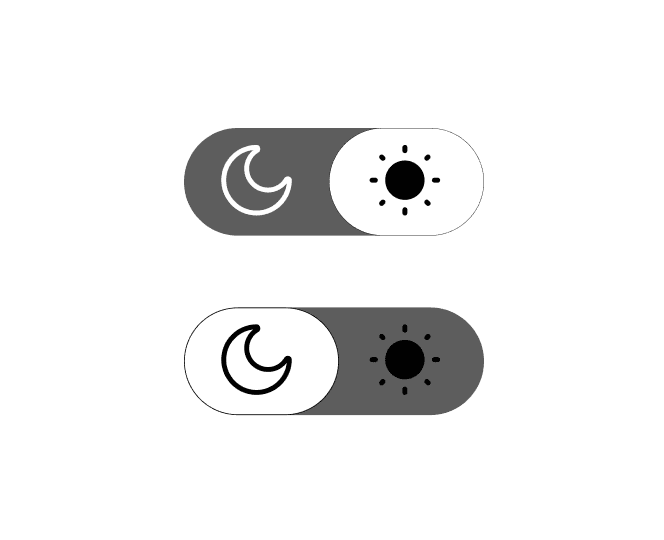
Light / Dark Mode
Learners can toggle light and dark themes to fit different environments.
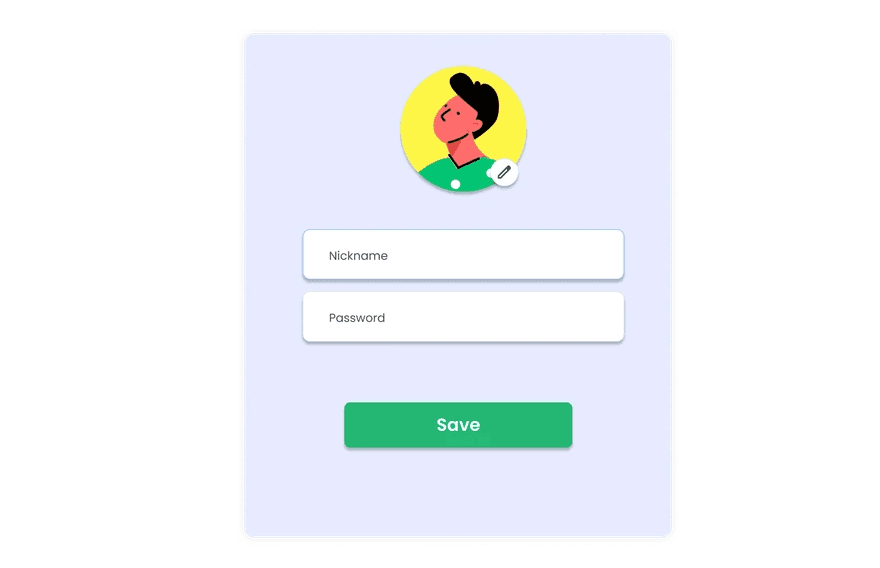
Profile Edit
A simple profile panel lets learners update basic settings to personalize students’ learning experiences.
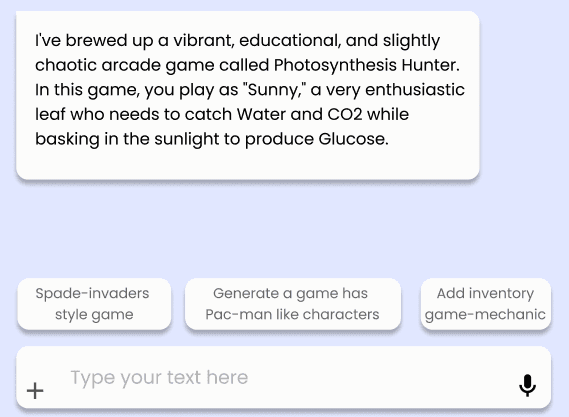
Template Prompts
Built-in prompt templates scaffold inputs for planning and game creation, helping learners translate ideas into game mechanics.
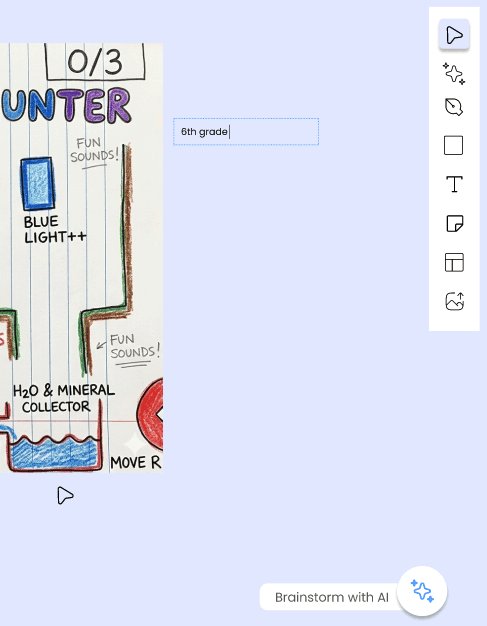
Tool Bar
A compact tool bar provides quick access to core actions so learners can flexibly plan their games.
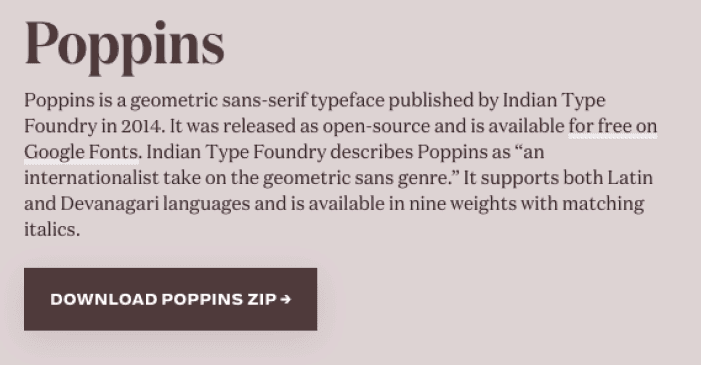
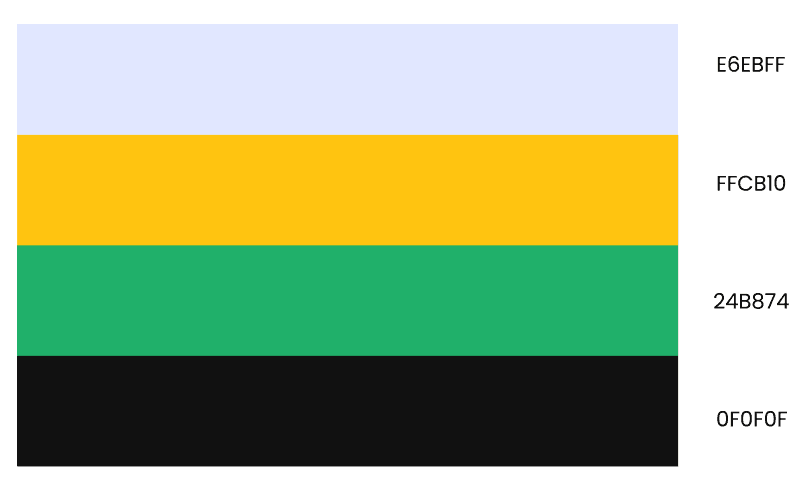
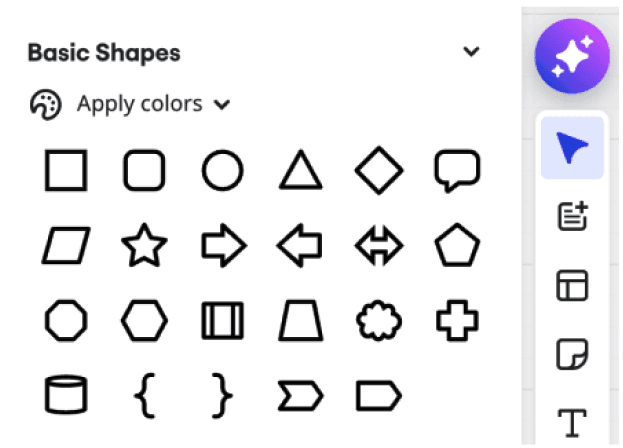
Visual Design Framework
Hi-Fidelity Prototype
This hi-fidelity prototype demonstrates the platform’s finalized visual style and interaction design, featuring a polished onboarding experience, consistent layout and typography, light/dark mode support, and intuitive UI elements that reflect how learners will navigate and engage with the system in practice.